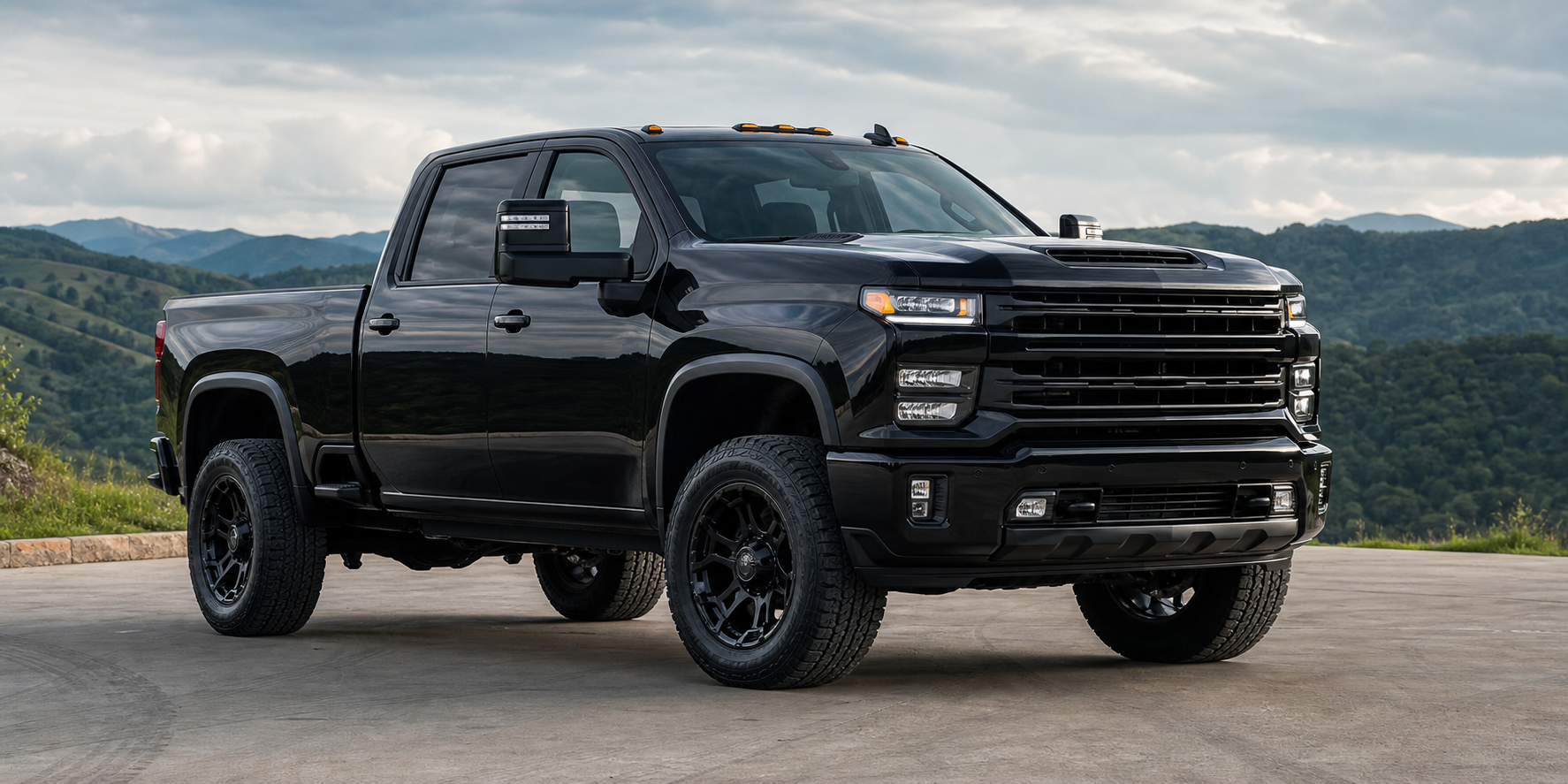
LB7
Early Duramax routing and component guidance for airflow, cooling and fuel-system upgrades.
Shop LB7 parts →Install Lab / GM diesel
Identify the engine code first. Then verify model year, product fitment and current instructions before starting the installation.
Engine-code index
Small model-year breaks can change hardware, routing and fitment. Use the engine code and live product application together.
Early Duramax routing and component guidance for airflow, cooling and fuel-system upgrades.
Shop LB7 parts →Confirm the mid-year engine change before matching intake, charge-air and support parts.
Shop LLY parts →Use LBZ-specific applications to plan cooling, intake, filtration and engine-bay work.
Shop LBZ parts →Verify the 2007 model-year split and existing modifications before installation.
Shop LMM parts →Plan fitment for later GMT900 trucks using the exact product code and application notes.
Shop LML parts →Review late-model packaging, connection points and current product instructions.
Shop L5P parts →Every Duramax product covered
Pulled from the same install index used on the Install Hub. Search there by SKU if a part isn’t listed here yet.
'+(item.sku?'SKU '+esc(item.sku):esc(item.year_range||''))+'
Job planning
The guide library connects engine identification with the part overview and product-specific documentation needed to prepare correctly.
Confirm air-box, sensor and filter placement for your exact generation.
Review connection points and clearance before removing factory plumbing.
Work on a cool engine and follow product-specific fill and inspection steps.
Send the truck year, engine code and product code to Parts Tech Support.
Duramax checks
Duramax generations can overlap calendar years and use different components. The engine code is more precise than selecting ?6.6L Duramax? alone.
No. Inspect the truck and compare it with the current instructions. Aftermarket components may change access, routing or compatibility.
Contact Parts Tech Support with the vehicle year, engine code, product code and clear photos of the installation area.
Verify the application