
How To Use Sinister Diesel Reward Points
Turn your points into a coupon code in 4 steps.
How It Works
-
Sign in to your account
On a computer, click the person icon at the top of the page. On a phone, open the menu and tap Sign In or Register.

On a computer 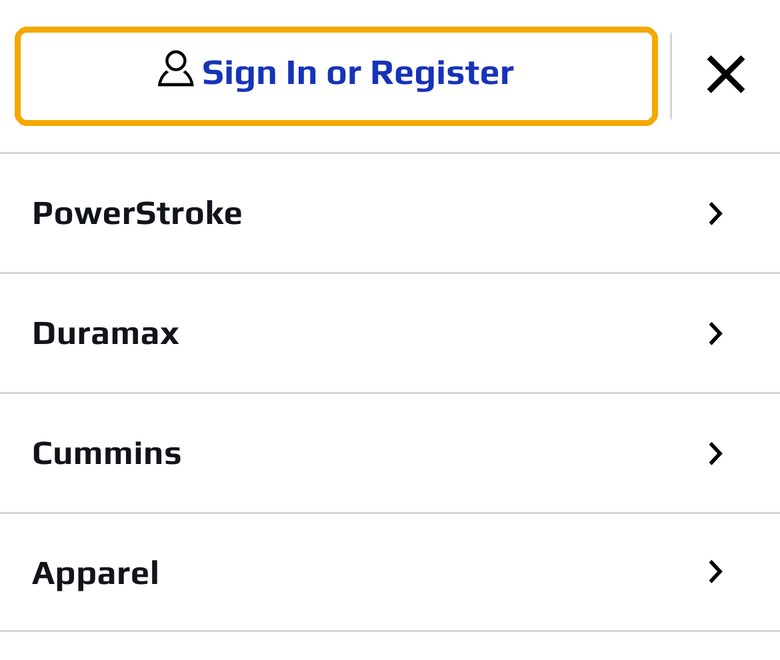
On a phone -
Open the Rewards tab
In your account, choose Rewards. You'll see your available points.

-
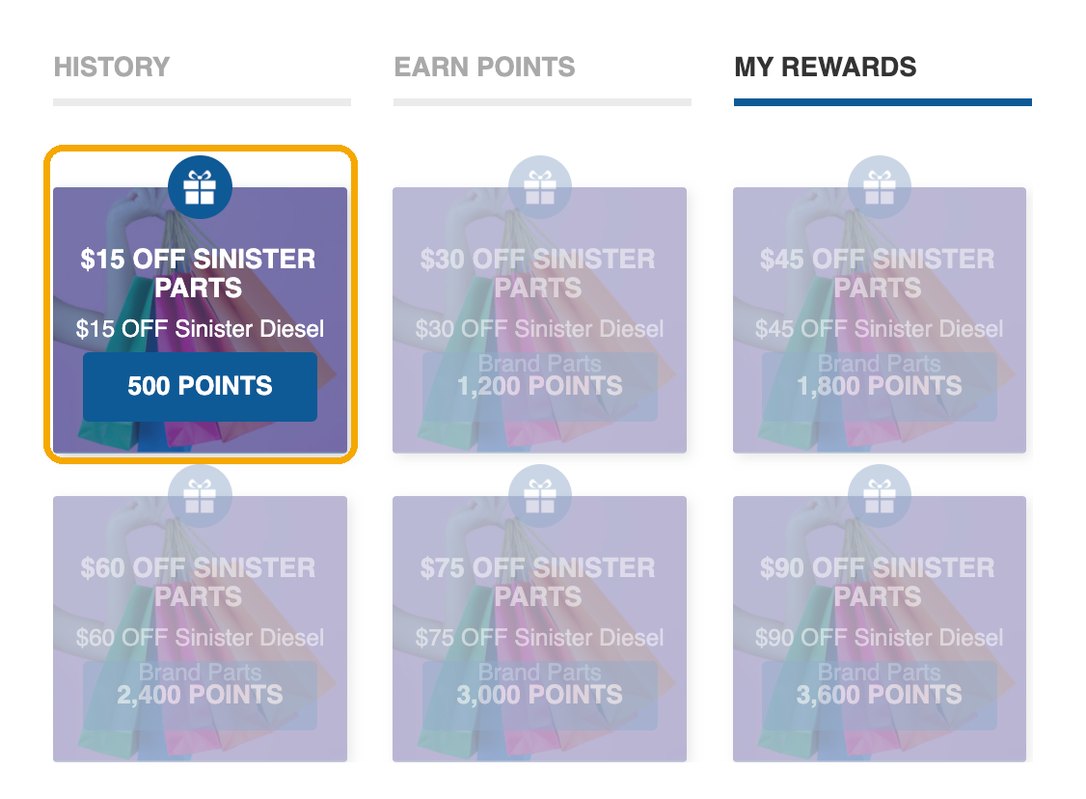
Pick a reward and copy your code
Under My Rewards, click a reward you have enough points for. Rewards you can't get yet are faded. Your points turn into a coupon code. Copy the code.
-
Enter the code in your cart
Open your cart, click Have a promo code?, paste your code and press Apply. Do this before you click Secure Checkout.
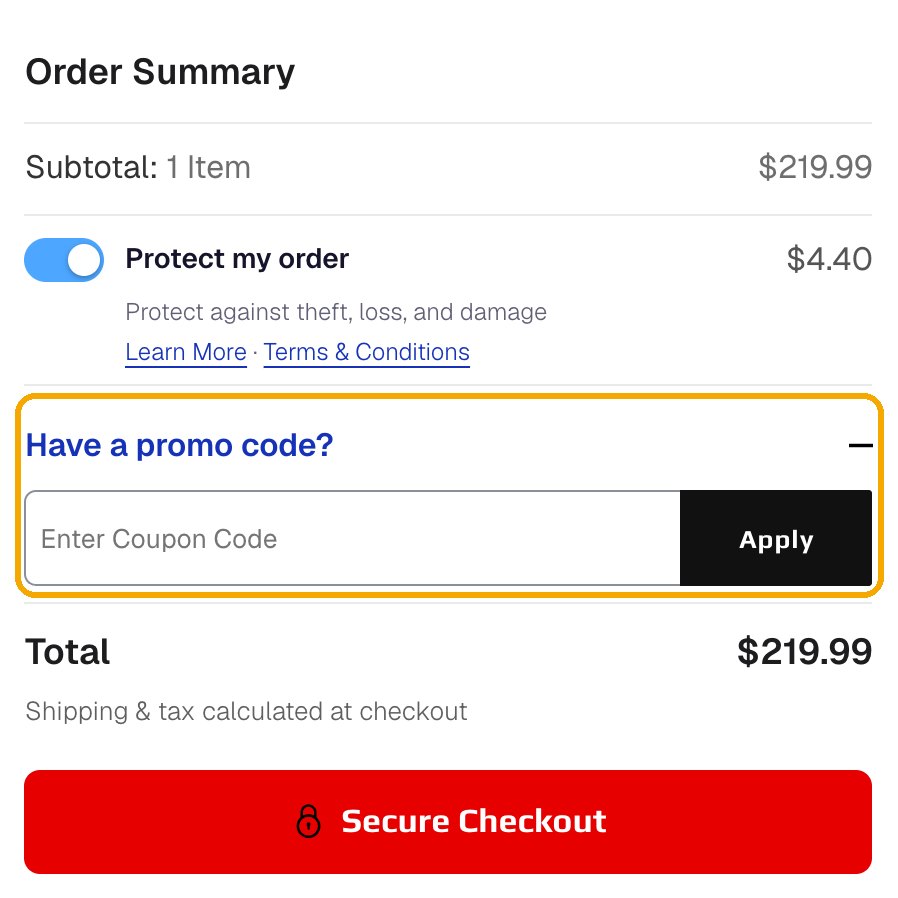
Cart page 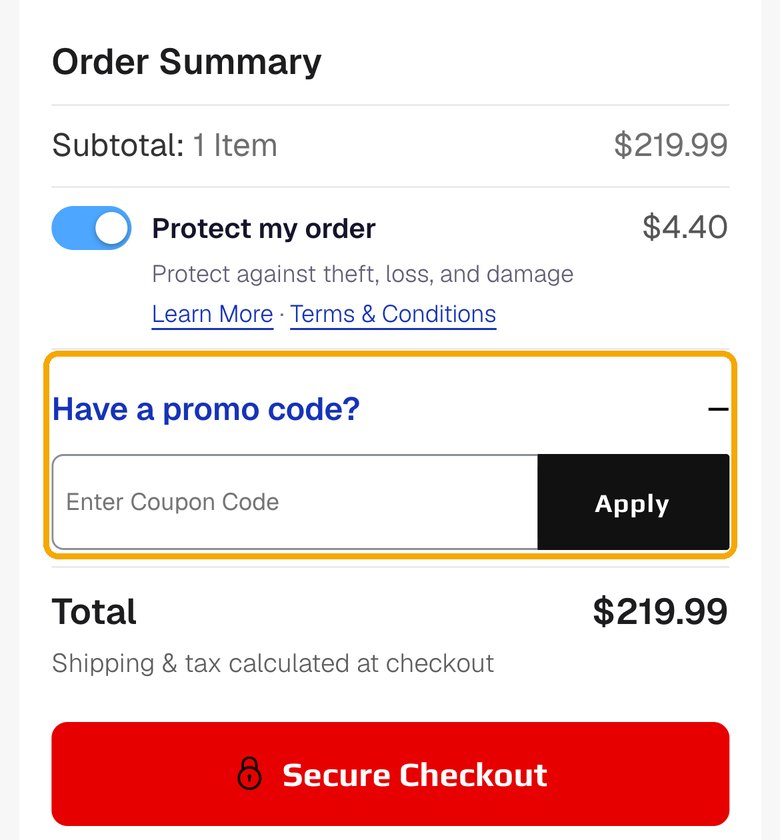
Cart on a phone 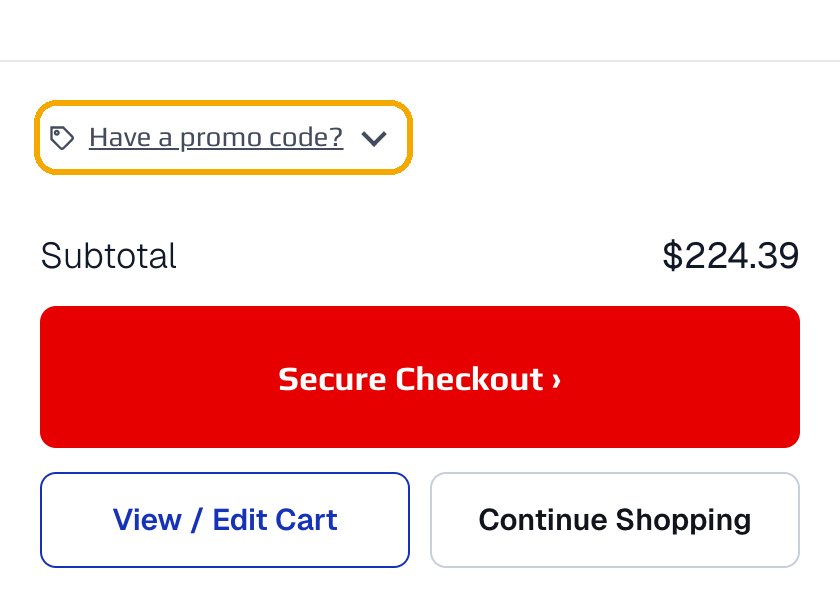
Side cart (opens when you add a part) The code comes off your total right away. Checkout doesn't have a code box, so add it in the cart first.
Coupon Code Rules
- Coupon codes cannot be stacked with other coupon codes, this includes any sale coupon codes
- Coupon Codes are ONLY Valid on Sinister Diesel Products.
- You MUST be logged in to redeem coupons and see rewards points.
- You MUST be logged in to be awarded points for an order that is placed online
- If you place an order over the phone, you must have an account online with the same email given for the order over the phone. If for some reason your points do not show up for over-the-phone orders, please contact customer service and we can have the points added.
- ALL coupons redeemed through our Rewards System are one-time use. Once used, they are permanently removed from our system.
